
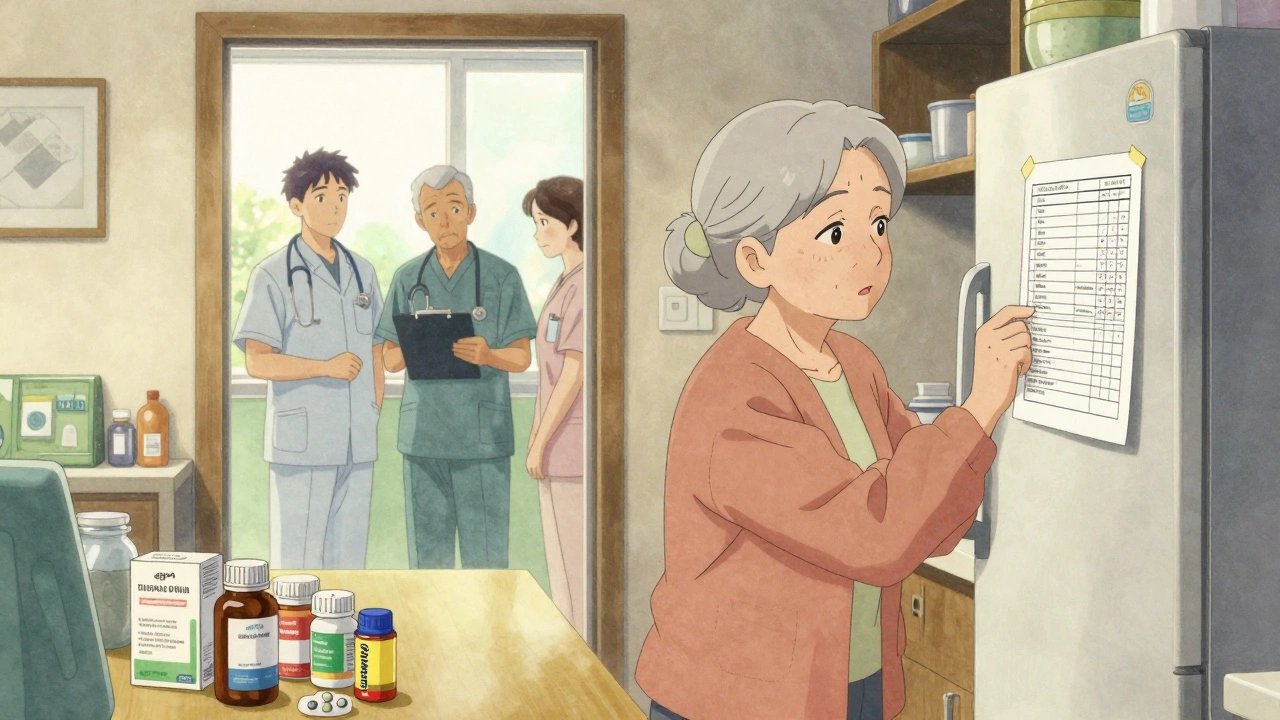
Keeping track of every pill, supplement, and herbal remedy you take isn’t just helpful-it can save your life. Around 1.3 million emergency room visits in the U.S. each year happen because of medication errors. Many of these could be avoided with a simple, up-to-date list. Whether you’re managing five medications or fifteen, having a clear record helps doctors, pharmacists, and even paramedics make the right calls-especially in a crisis.
Why a Medication List Matters More Than You Think
Think about the last time you saw a doctor. Did you remember every drug you took? Chances are, you forgot one. Maybe it was that vitamin you started last month. Or the painkiller you only use once in a while. The FDA found that 67% of emergency room patients couldn’t accurately list their medications. That’s not just inconvenient-it’s dangerous. A medication list cuts through the noise. It tells your provider exactly what’s in your system. That helps avoid harmful interactions. For example, mixing blood thinners with certain herbal supplements can cause internal bleeding. Or taking multiple painkillers that all contain acetaminophen might damage your liver. A clear list stops these mistakes before they start. Studies show structured lists reduce medication errors by 42% during hospital transitions. That’s not a small number. It means fewer readmissions, fewer complications, and less stress for everyone involved. And it’s not just for older adults. Anyone taking more than two regular medications benefits. That includes people with diabetes, heart conditions, mental health needs, or chronic pain.What Should Be on Your Medication List
A good template doesn’t just ask for drug names. It asks for details that matter. Here’s what you need to include:- Medication name-both brand and generic if different
- Dosage-how much you take (e.g., 10 mg, 500 mg)
- Frequency-how often (e.g., once daily, twice a week)
- Purpose-what it’s for (e.g., “for high blood pressure,” “for arthritis pain”)
- Prescribing doctor-name and contact info
- Pharmacy-where you fill it
- Allergies and side effects-anything you’ve reacted to
- Supplements and herbs-yes, even turmeric or fish oil
- Notes-special instructions like “take with food” or “avoid alcohol”
Printable Templates: Simple, Reliable, and Always Ready
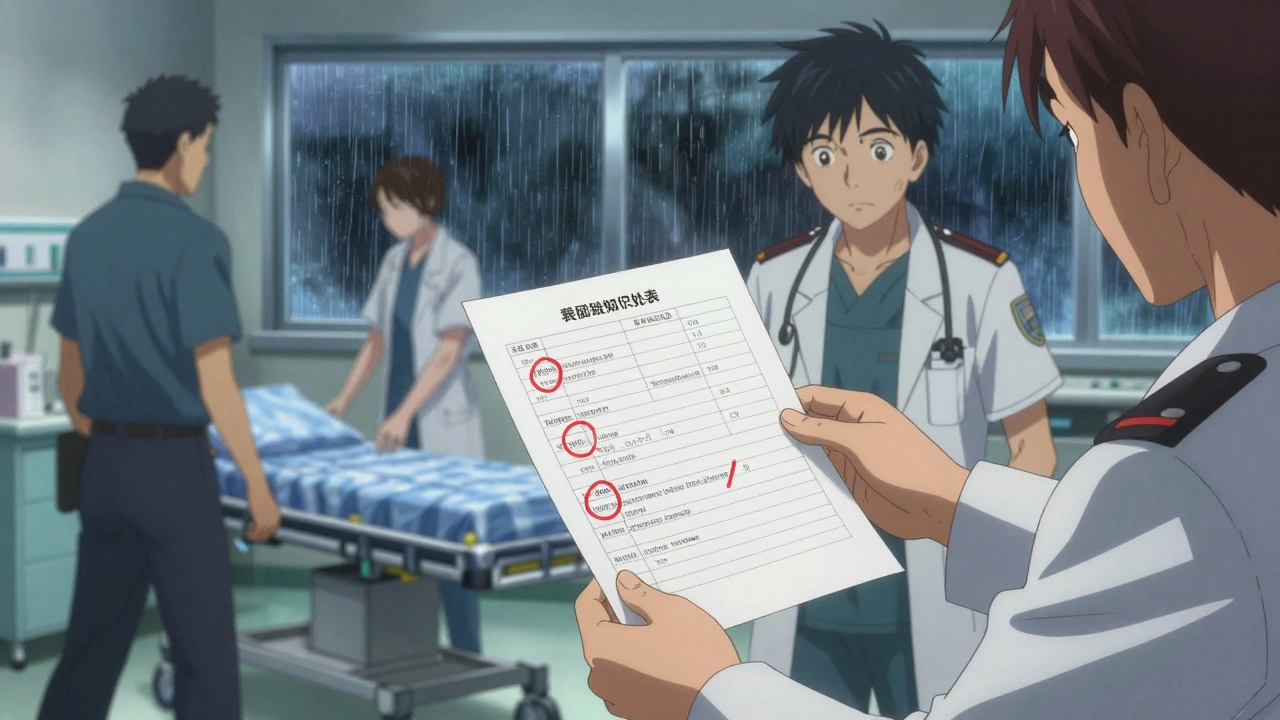
If you’re not tech-savvy-or just prefer paper-printable templates are still the most trusted option. Many come from trusted sources like the ASCP Foundation is a nonprofit organization that developed widely used medication list templates for older adults and caregivers, the CDC is a U.S. government agency that provides free, culturally inclusive medication list templates, and Family Caregivers Online is a resource hub offering editable PDF and Word templates for caregivers. These templates are usually PDFs you can print, fill out by hand, and keep in your wallet, purse, or fridge. Some even have a note at the bottom saying: “Keep a copy with your caregiver at all times.” That’s smart advice. In an emergency, first responders won’t have time to ask questions-they’ll look for the list. One user on Reddit shared how her mother’s list, kept on the fridge, helped paramedics avoid a deadly interaction after a stroke. The list showed she was on warfarin, and they avoided giving her ibuprofen, which could have caused bleeding. That’s the power of a printed list. But there’s a catch: paper doesn’t update itself. If you stop taking a drug or start a new one, you have to remember to change it. Studies show templates with more than 10 fields get ignored. Keep it simple. Use a template with 8-9 fields max.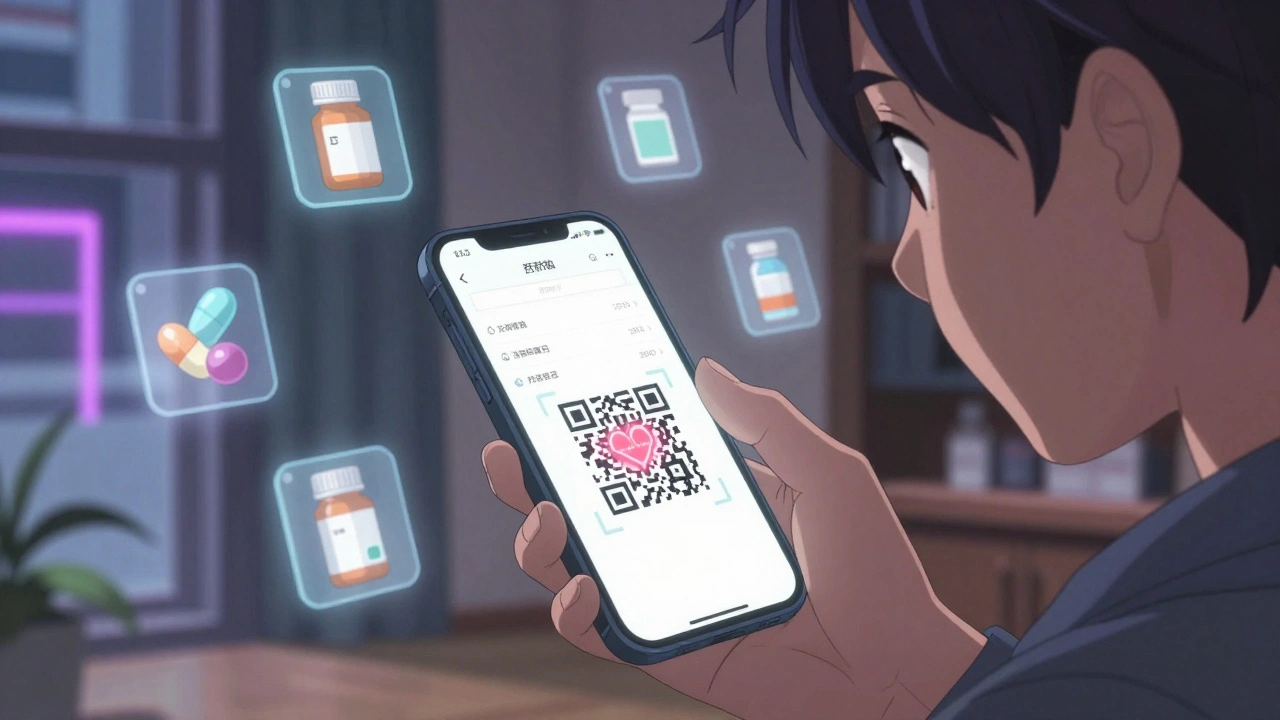
Digital Options: Editable, Shareable, and Smarter
If you’re comfortable with your phone or computer, digital templates offer real advantages. Family Caregivers Online is a resource hub offering editable PDF and Word templates for caregivers now includes Word versions that let you type directly into the form. You can edit it on your laptop, print it, email it to your doctor, or even take a photo and save it in your phone’s gallery. Some templates now have QR codes. Scan it with your phone, and the list pops up instantly. That’s a game-changer. No more digging through folders or hoping your printed copy didn’t get lost. Digital tools also make sharing easier. You can send a PDF to a family member or caregiver without printing anything. You can even use cloud storage like Google Drive or iCloud to keep a backup. But be careful: if you store your list on a device or app without a password, it’s not safe. Medication data is personal. Treat it like your bank details.Best Free Templates Compared
Here’s how the top free options stack up:| Template Source | Format | Best For | Key Features | Limits |
|---|---|---|---|---|
| ASCP Foundation is a nonprofit organization that developed widely used medication list templates for older adults and caregivers | Healthcare professionals, seniors | Professional design, trusted source | No digital editing, no mobile-friendly | |
| CDC is a U.S. government agency that provides free, culturally inclusive medication list templates | Tribal communities, cultural medicine users | Includes traditional remedies, simple layout | Only available in English, limited customization | |
| Family Caregivers Online is a resource hub offering editable PDF and Word templates for caregivers | PDF + Word | Family caregivers, tech beginners | Editable, QR code option, storage tips | Requires basic computer skills |
| PrintFriendly is a free template provider with comprehensive fields for medication tracking | Users who want full detail | 9 fields including allergies, physician, notes | Hard to edit, no digital version | |
| SingleCare is a healthcare platform offering caregiver-focused medication templates | Caregivers managing multiple people | Includes caregiver checklist, 5 template variants | 32% of users found it too complex for elderly |
How to Use Your Template (Step by Step)
Getting started is easier than you think:- Gather everything. Pull out all your pill bottles, supplement boxes, and prescription labels. Don’t forget the ones you only take occasionally.
- Choose your format. Pick printable if you’re not tech-savvy. Pick editable Word or PDF if you want to update it easily.
- Fill it out. Write or type everything clearly. Use the same names as on the bottle-no abbreviations.
- Update it regularly. Set a reminder on your phone every month. When you start or stop a drug, update the list right away.
- Share it. Give a copy to your doctor, pharmacist, and a trusted family member. Take it with you to every appointment.
- Keep copies handy. One in your wallet, one on your fridge, one on your phone.
What to Avoid
Even with a great template, people make mistakes:- Don’t use vague names. Write “Lisinopril 10 mg” not just “blood pressure pill.”
- Don’t forget supplements. 23% of adults have dangerous interactions between prescriptions and supplements.
- Don’t let it get outdated. A 2024 Johns Hopkins study found 19% of lists brought to appointments had drugs that were no longer taken.
- Don’t rely on memory. Even if you think you know your meds, write them down. Stress, fatigue, and illness make memory unreliable.
- Don’t use apps without security. If an app doesn’t require a password or fingerprint, don’t trust it with your meds.
What’s Next? The Future of Medication Lists
The trend is clear: people are moving from paper to phone. By 2026, Gartner predicts 75% of medication lists will be managed through apps. Some new tools can auto-sync with your pharmacy records. Others use AI to suggest updates when your doctor changes a prescription. But for now, free templates-printable or digital-are still the most accessible option. And they work. The key isn’t having the fanciest tool. It’s having one you use consistently. If you’re overwhelmed, start small. Just list your top three medications today. Add one more tomorrow. In a week, you’ll have a complete, reliable list. That’s all it takes to make a real difference.Where can I get a free printable medication list template?
You can download free, reliable templates from the CDC, ASCP Foundation, Family Caregivers Online, and PrintFriendly. All are available as PDFs and can be printed at home. Family Caregivers Online also offers editable Word versions for easy updates.
Should I use a digital app or a printed list?
Use both. A printed copy is essential for emergencies-paramedics won’t ask for your phone password. A digital version (on your phone or computer) is easier to update. Keep a photo of your list in your phone’s gallery, and update it monthly. This gives you the best of both worlds.
Do I need to include vitamins and supplements?
Yes. The American Pharmacists Association reports that 23% of adults experience harmful interactions between prescription drugs and supplements. Even common ones like fish oil, vitamin K, or St. John’s Wort can interfere with medications. List everything you take, even if you think it’s harmless.
How often should I update my medication list?
Update it every time your prescription changes-whether you start, stop, or change the dose. At a minimum, review and update it once a month. Set a recurring reminder on your phone for the first day of each month.
Can I use a medication list template for someone else?
Absolutely. Many templates, especially those from SingleCare and Family Caregivers Online, are designed for caregivers. If you’re helping an aging parent, spouse, or friend, keep their list updated and carry a copy with you. It’s one of the most important things you can do to keep them safe.
What if I can’t read or write well?
Ask your pharmacist or doctor for help. Many pharmacies offer free medication reviews and will print a simple list for you. You can also ask a family member to help fill it out. Take a picture of the pill bottles and show them to someone who can read. The goal is to get the right information down-not to do it perfectly on your own.
 Medications
Anna Roh
December 10, 2025 AT 06:07Ugh I printed one of these last year and it’s still sitting in my drawer. I never update it. Why do I even bother?
It’s not like anyone’s gonna read it anyway.
om guru
December 11, 2025 AT 03:53Medication management is a critical component of patient safety and healthcare efficiency
Consistent documentation reduces adverse drug events significantly
Recommendation is to maintain updated records at all times
Richard Eite
December 11, 2025 AT 22:18Why are we still talking about paper lists in 2025
America is falling behind
Every other developed country uses integrated EHRs
Stop being lazy and get with the program
Katherine Chan
December 12, 2025 AT 22:39Love this post
Start small
Just list your top 3 meds today
Tomorrow add one more
One week from now you’ll feel so proud of yourself
You got this
Philippa Barraclough
December 14, 2025 AT 08:21While the utility of structured medication lists is empirically supported in clinical literature, particularly in the context of transitional care and polypharmacy management, the practical implementation remains fraught with systemic and behavioral barriers
For instance, the cited 42% reduction in medication errors during hospital transitions is contingent upon consistent patient engagement, which is itself correlated with socioeconomic status, health literacy, and access to technological infrastructure
Moreover, the templates referenced-while ostensibly inclusive-often fail to account for linguistic diversity beyond English, and the inclusion of traditional remedies remains tokenistic without culturally competent follow-up protocols
Furthermore, the assumption that digital storage via cloud services equates to security is misleading, as end-to-end encryption and compliance with HIPAA or GDPR are rarely enforced in consumer-grade applications
The real issue is not the template, but the absence of standardized interoperability between pharmacy systems, EHRs, and patient-facing tools
Until that is addressed, we are merely rearranging deck chairs on the Titanic
Olivia Portier
December 15, 2025 AT 14:17omg yes i use the family caregivers one and i keep it on my phone
took a pic of it after my mom had her fall
paramedics saw it and skipped the ibuprofen
life saver
also i update it every sunday with my tea
its my little self care ritual now lol
Tiffany Sowby
December 16, 2025 AT 06:57Of course the CDC has a template
But they also told us masks worked for COVID
And now they’re pushing digital lists
Who’s really behind this
Big Pharma wants you dependent
They don’t want you tracking your meds
They want you confused
And buying more
Jennifer Blandford
December 16, 2025 AT 11:19I’m a 72-year-old who doesn’t use a phone
But I keep my list taped to the fridge next to the grocery list
My granddaughter says it’s ‘a work of art’
She colors the boxes for each med
Now we do it together every Sunday
It’s not just safety
It’s connection
And honestly
It’s the best part of my week
Gilbert Lacasandile
December 17, 2025 AT 14:18I’ve been using the ASCP template for my dad
Simple, clean, no fluff
He likes that it looks official
And I print a new one every time he sees his cardiologist
Works great
Thanks for the reminder
Lola Bchoudi
December 19, 2025 AT 04:05From a clinical pharmacy standpoint, the inclusion of indication, prescriber, and pharmacy metadata is non-negotiable for high-risk polypharmacy patients
Without these, the list becomes a mere inventory rather than a clinical decision support tool
Additionally, the QR code integration mentioned is a scalable solution for interoperability with point-of-care systems, particularly in ambulatory settings where EHR access is fragmented
However, the absence of structured data fields (e.g., RxNorm normalization) limits its utility in automated alerting systems
Recommendation: Use the CDC template as a baseline, then augment with structured electronic fields via a validated API
Morgan Tait
December 19, 2025 AT 04:58You think this is about safety
But it’s not
They’re tracking you
Every pill you take
Every supplement
Every time you update it
That data goes into a database
Then it gets sold
Then insurance companies use it to raise your rates
Or deny your coverage
They don’t care if you live
They care if you’re profitable
And if you’re on 15 meds
You’re a goldmine
Don’t be fooled
Darcie Streeter-Oxland
December 19, 2025 AT 08:50The assertion that paper templates are ‘trusted’ is empirically unsubstantiated
There is no peer-reviewed evidence demonstrating superior clinical outcomes from paper-based systems over digital alternatives in ambulatory care settings
Furthermore, the claim that first responders routinely consult printed lists is anecdotal at best
Paramedics operate under time-critical protocols and typically rely on electronic medical records or patient identification systems
The continued promotion of paper-based solutions appears to be a nostalgic artifact rather than a clinically optimal intervention
Moreover, the omission of any discussion regarding patient compliance metrics or behavioral nudges undermines the efficacy argument
Kathy Haverly
December 20, 2025 AT 18:56Of course you’re telling people to ‘update their lists’
But who made you the boss of my medicine?
My doctor changes my pills every month
And you want me to write it down like a good little patient?
What if I don’t want to be controlled like this?
What if I just want to feel better without documenting every pill?
Why does everything have to be tracked, scanned, uploaded, and approved?
You’re not helping me
You’re just adding another chore to my life
And I’m tired