
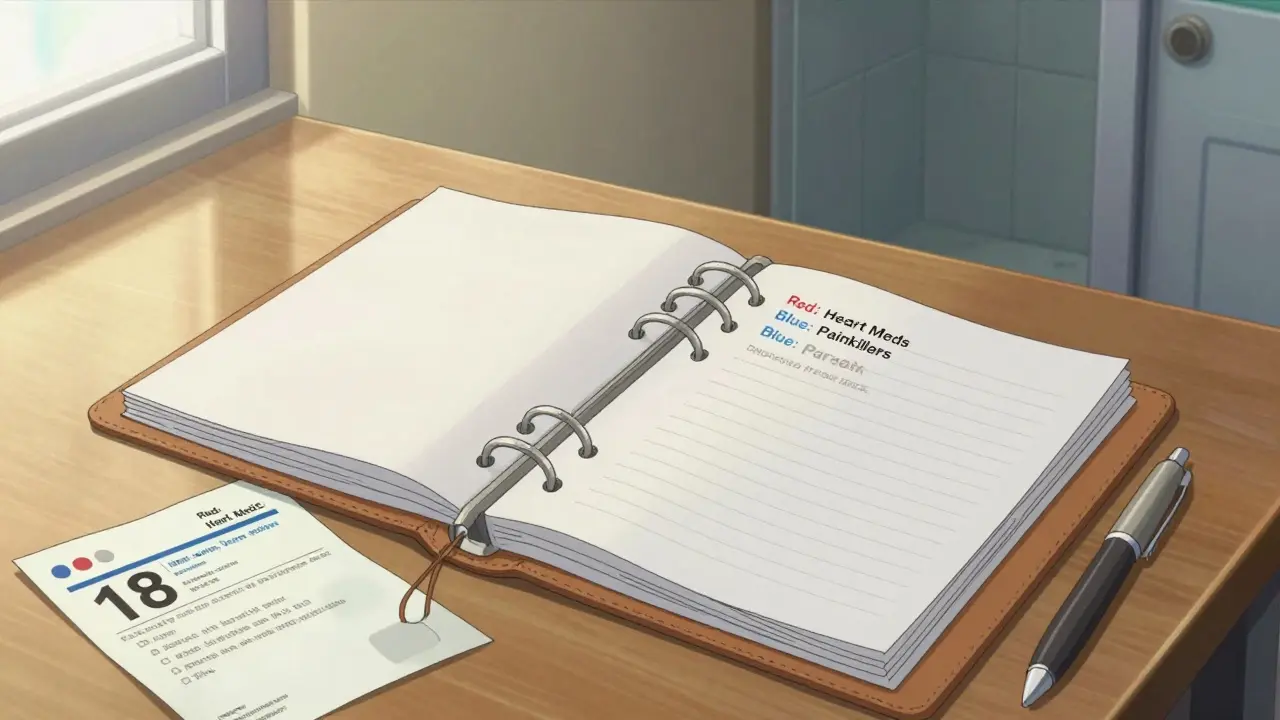
Keeping your prescription labels and medication leaflets isn’t just a good habit-it’s a safety habit. Think about it: you take pills every day, but how often do you remember exactly what they’re for, how much you’re supposed to take, or what side effects to watch for? If you’ve ever been rushed to the ER, switched doctors, or had to explain your meds to a new pharmacist, you know how vital those little paper slips and folded leaflets really are. Without them, you risk confusion, dangerous interactions, or even being prescribed something you already take. The good news? Organizing them is simple, and it takes less than 20 minutes to get started.
Why This Matters More Than You Think
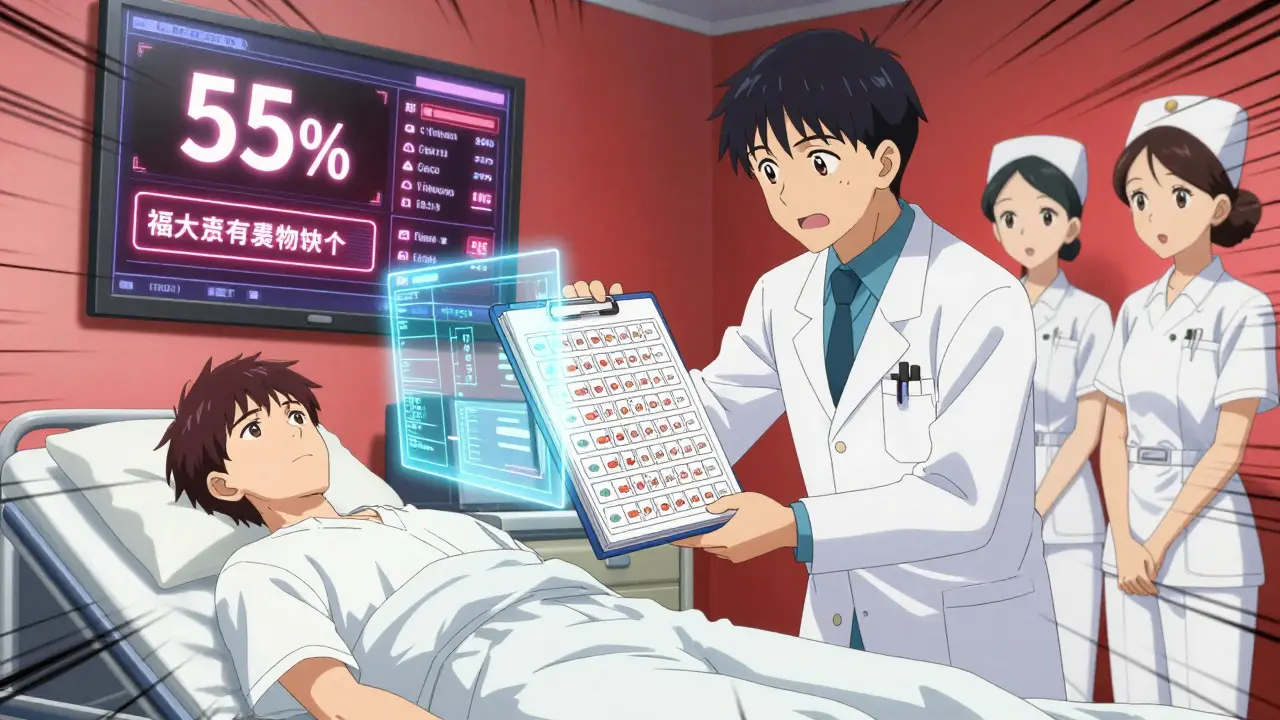
Every year, over 7,000 people in the U.S. die from medication errors, according to the Institute of Medicine. Many of those mistakes happen because doctors or nurses don’t have a clear picture of what a patient is taking. A 2022 study in the Journal of General Internal Medicine found that when patients brought organized records to the hospital, adverse drug events dropped by 55%. That’s not a small number-it’s life or death.
And it’s not just emergencies. Imagine you’ve been on the same blood pressure medication for eight years. You switch doctors. The new one asks what you’ve been taking. You say, “I think it was lisinopril,” but you’re not sure of the dose. You end up getting unnecessary blood tests, scans, or even a wrong prescription because you couldn’t prove your history. One Reddit user, ‘MedMistakeVictim,’ shared how throwing out old pill bottles cost them $1,200 in avoidable tests. That’s the cost of not keeping records.
What You Need to Keep
Don’t just toss the label when the bottle’s empty. Keep everything:
- The prescription label-this has your name, the drug name, dose, instructions (like “take once daily with food”), prescriber, pharmacy, and expiration date.
- The medication leaflet-those folded sheets inside the box contain vital info: possible side effects, drug interactions, what to avoid (like alcohol or grapefruit), and what to do if you miss a dose.
- Any refill slips or notes-if your doctor changed your dose or added a warning, write it down on the label or keep it with the leaflet.
The FDA requires all prescription labels to use 18-point bold font for key info, so it’s easy to read and scan. That means even if you take a photo later, the text will still be clear.
Physical Storage: The Simple, Reliable Way
If you’re not tech-savvy-or you just prefer paper-this is your best bet. Start with a binder. Not a regular notebook. Get a three-ring binder with clear plastic sleeves. Why? Because paper degrades. Sunlight turns it yellow. Humidity makes it stick together. Cold or heat can warp it. The ideal storage conditions? Between 68°F and 77°F (20-25°C) with humidity under 60%. That’s room temperature in most homes.
Here’s how to set it up:
- Buy a binder with dividers and clear plastic pockets (Amazon sells them for under £10).
- Use color-coded tabs: green for antibiotics, red for heart meds, blue for painkillers, yellow for diabetes, etc.
- For each medication, place the label in one pocket and the leaflet in the next. Fold the leaflet neatly so it fits.
- Label each tab with the drug name. Alphabetize them. A to Z. No exceptions.
- Keep it in a drawer, closet, or cabinet-away from the bathroom (too humid) or kitchen (too hot).
How much space does this take? If you take 28 prescriptions a year (average for someone over 65), 10 years of records will need about 1.2 linear feet of shelf space. That’s less than a shoebox. And unlike digital files, it works when the power goes out.
Digital Storage: The Smart Backup
Physical files are reliable-but they’re not searchable. What if you need to know if your blood thinner interacts with a new supplement? Scrolling through 50 pages of paper takes forever. That’s where digital helps.
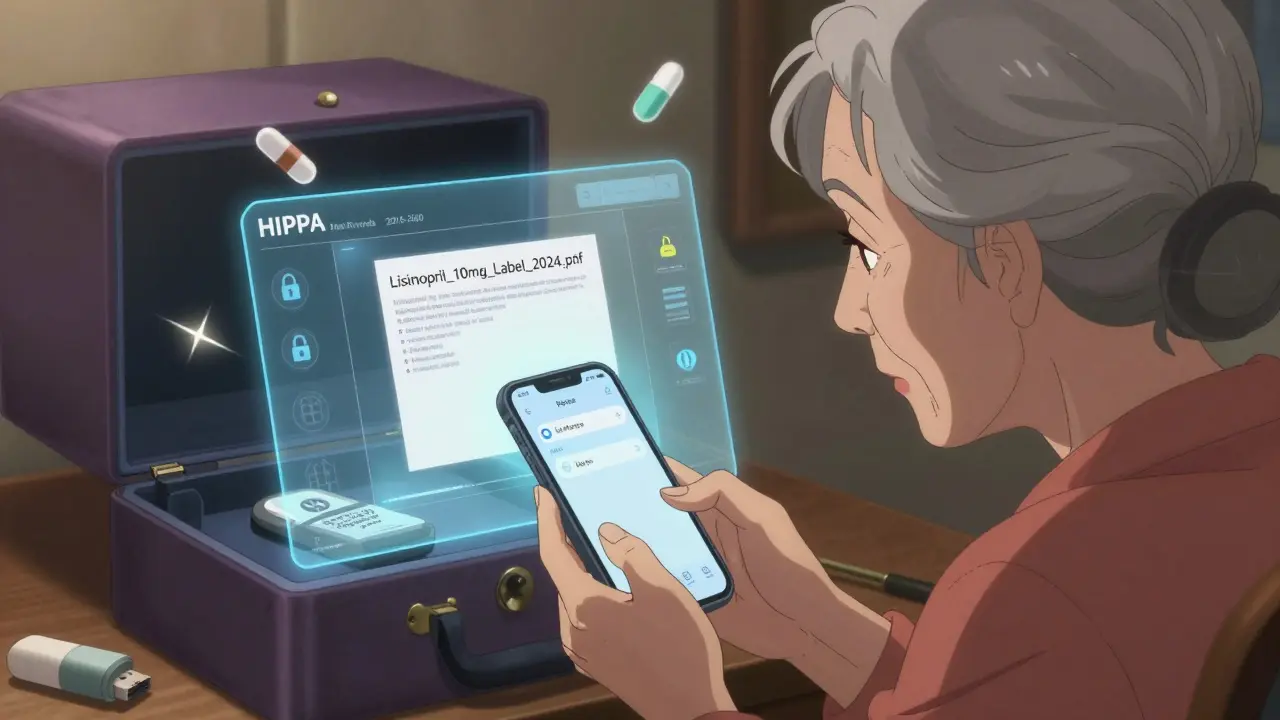
Scan each label and leaflet. Use your phone. Most smartphones have built-in scanners in the Notes app or camera. Save them as PDFs. Name the files clearly: Lisinopril_10mg_Label_2024.pdf.
Now store them somewhere secure. Don’t just dump them in your phone’s gallery. Use a HIPAA-compliant app. Why? Because prescription records are sensitive. IBM’s 2023 report found that health data is 40 times more valuable on the black market than credit card info. Apps like MyMedSchedule (version 3.2.1, updated Jan 2024) encrypt your files and let you search by drug name, date, or condition. They even alert you when a prescription expires.
But here’s the catch: only 42% of adults over 65 feel comfortable using apps, according to AARP’s 2023 survey. If you’re not tech-savvy, skip this step-or get help from a family member. Don’t force it. The goal is safety, not stress.
Combine Both: The Best of Both Worlds
The smartest system? Keep physical copies of your current meds in the binder. Scan and store older ones digitally. That way, you have immediate access to what you’re taking now, and a full history in case you need it.
For example:
- Current meds (last 12 months)? Keep in binder.
- Medications from 2020-2023? Scan, delete physical copies, store in cloud app.
- Medications from before 2020? Archive as PDFs on a USB drive or external hard drive. Store it in a fireproof box.
This cuts clutter and keeps your binder manageable. Plus, if you ever move or need to share records with a new doctor, you can email the PDFs instantly.
What to Avoid
Here are the biggest mistakes people make:
- Throwing away labels-even if the bottle’s empty. That’s like tossing your driver’s license after you’ve driven somewhere.
- Storing in the bathroom-humidity ruins paper and can make ink fade.
- Using sticky notes or loose papers-they get lost. Always use a system.
- Only trusting your memory-even if you’ve taken a drug for years, doses change. Side effects evolve.
- Using non-secure apps-if it doesn’t say “HIPAA-compliant,” assume your data isn’t protected.
Also, don’t rely on your pharmacy’s records. Most EHR systems (like Epic or Cerner) only keep your history for 7-10 years. After that, they archive it-and you won’t be able to access it without a court order.
Updates to Watch For
The FDA announced in May 2024 that all prescription labels will include QR codes by 2026. Scan one, and it’ll take you to the official drug info page-no leaflet needed. That’s a game-changer. But until then, keep the paper. And don’t wait. The Office of the National Coordinator for Health IT is pushing to link patient-maintained records to hospital systems by 2026. If you’ve got your records organized, you’ll be ready.
Start Today
You don’t need to do it all at once. Pick one medication. Take its label and leaflet. Put them in a plastic sleeve. File it. Do the same tomorrow with another. In a week, you’ll have a full system. And if you ever need it-during a hospital visit, a doctor’s appointment, or even a pharmacy mix-up-you’ll be glad you did.
Organized records don’t just save time. They save lives.
Do I need to keep prescription labels even if I don’t take the medication anymore?
Yes. Even if you stopped taking a drug, keep the label for at least five years. Doctors often ask about past medications to spot patterns-like why you had a reaction, or if a current symptom might be linked to something you took years ago. Some states, like California, legally require medical records to be kept for 10 years for liability reasons. Keeping them helps avoid unnecessary tests or misdiagnoses.
Can I just take photos of my labels instead of keeping the paper?
Photos are fine, but only if they’re clear and organized. A blurry photo of a label won’t help a doctor. Use your phone’s scanner app to capture sharp PDFs. Store them in a HIPAA-compliant app like MyMedSchedule, not just your gallery. And always keep physical copies of current meds-phones die, clouds glitch, and emergencies don’t wait for you to unlock your screen.
What’s the best way to store leaflets if they’re too big for the binder?
Fold them in thirds, like a letter. If they’re still too thick, trim the outer edges carefully with scissors-just don’t cut off any text. You can also scan them and keep the digital version. The paper copy is still important for emergencies, but if space is tight, digital backups are a solid alternative.
Is it safe to store medication records digitally?
Only if you use a HIPAA-compliant app. These apps encrypt your data and follow strict privacy rules. Avoid general cloud storage like Google Drive or Dropbox unless you password-protect the files and don’t share the link. Prescription data is a prime target for hackers-it’s 40 times more valuable than credit card info, according to IBM. Don’t risk it.
How often should I update my medication records?
Update them every time you get a new prescription, change a dose, or stop a medication. Set a reminder on your phone for the first of every month. Spend five minutes checking if anything’s changed. It’s faster than waiting until you’re in a crisis. Also, check expiration dates monthly-some meds lose effectiveness after six months.
What should I do if I lose a prescription label?
Call your pharmacy. They can reprint the label or give you a copy. Most pharmacies keep digital records for at least a year. If it’s been longer, contact your prescriber-they can issue a new label with the same info. In the meantime, write down the drug name, dose, and instructions on a piece of paper and keep it with your records.
Are there free resources to help me organize my meds?
Yes. The Institute for Safe Medication Practices offers a free downloadable guide called "Your Medication Record: A Patient’s Guide." It includes printable templates for tracking drugs, doses, and side effects. The CDC also runs a Medication Safety Helpline (1-800-232-0233) that can walk you through setting up a system. Both are reliable, no-cost tools.
 Medications
Milad Jawabra
March 4, 2026 AT 15:38This is the kind of post that makes me wanna hug the internet. Seriously. I’ve been yelling at my mom for years to keep her pill labels and she’d laugh like it was a joke. Then last month she got hospitalized for a drug interaction-turns out she was taking two different versions of the same blood thinner because she forgot which one was which. I’m printing this out and taping it to her fridge. No more excuses. 🙌
tatiana verdesoto
March 5, 2026 AT 12:54Ugh I’m so glad someone finally said this. I used to throw away all my labels like they were junk mail. Then I ended up in the ER with a weird rash and the doctor had no idea what meds I was on. Turned out I was allergic to something I’d taken 3 years ago. They did 5 tests and charged me $800. Now I keep everything. Even the ones I stopped. 🤦♀️
Ethan Zeeb
March 7, 2026 AT 08:28Physical binder > digital. Period. Phones die. Clouds crash. Hospitals don’t care if you have a Google Drive. I’ve seen it. ER nurses need paper. They need it now. And if you can’t read the label because it’s faded or blurry? You’re not helping anyone. Keep the paper. Scan it if you want. But don’t ditch the real thing.
Darren Torpey
March 9, 2026 AT 04:39Yo. This isn’t just organization-it’s a superpower. Think about it: you’re basically building a personal medical superhero cape. Every label you save? That’s a brick in your fortress of health. Every leaflet you file? That’s a shield against misdiagnosis. You’re not being paranoid-you’re being PREPARED. And in a world that treats your body like a vending machine, that’s revolutionary. 🦸♂️💊
Lebogang kekana
March 9, 2026 AT 10:28Broooooo. I just went through this with my dad. He’s 78, takes 14 pills a day, and he swears he remembers everything. Then he forgot his heart med for 3 days and ended up in ICU. We had to dig through 7 different pill bottles and 3 shoeboxes to find the right info. Now we have a color-coded binder. He cries every time he sees it. I didn’t know I was saving his life. But I was. And now I’m doing it for everyone I know. 🔥
Jessica Chaloux
March 10, 2026 AT 18:53I used to think this was overkill... until I had my panic attack last year and the ER doc asked if I was on antidepressants. I said ‘maybe?’ and they had to do a full tox screen. I cried in the hallway. Now I have a binder. I keep it next to my coffee maker. Every morning, I touch it. It’s my little ritual. I feel safer. 😭
Mariah Carle
March 11, 2026 AT 11:02There’s a metaphysical layer here, you know? The label isn’t just paper-it’s a contract between you and your future self. That tiny slip of ink? It’s a promise: ‘I will remember who I am, even when my mind forgets.’ We’re not storing meds-we’re storing identity. And in a world that erases memory with every algorithm, that’s radical. 🌌
Alex Brad
March 12, 2026 AT 02:19Keep the paper. Scan the rest. Done.
Renee Jackson
March 13, 2026 AT 11:45Thank you for this meticulously detailed and profoundly responsible guide. As a healthcare professional with over 15 years of clinical experience, I can confirm that patient-maintained medication records significantly reduce adverse events and improve care continuity. I encourage every individual to adopt this system-not as a suggestion, but as a non-negotiable standard of personal health stewardship. Your life matters. Document it.
Levi Viloria
March 13, 2026 AT 19:39I’m from South Africa and we don’t have the same access to apps or binders. But I’ve been using a shoebox. Label it. Put it on the top shelf. Keep the old ones. I lost my mom because no one knew what she was on. Don’t let that be you. Paper works. Shoebox works. Just don’t throw it away.
John Smith
March 13, 2026 AT 21:40Y’all are overthinking this. Just take a pic of the label. Save it in a folder called ‘Meds’. Done. No binder. No scanning. No color coding. If you’re that worried about your health, maybe stop taking so many damn pills in the first place. 😎